
Colorize image online: black and white photo to color with AI
Turn black and white photos into natural color
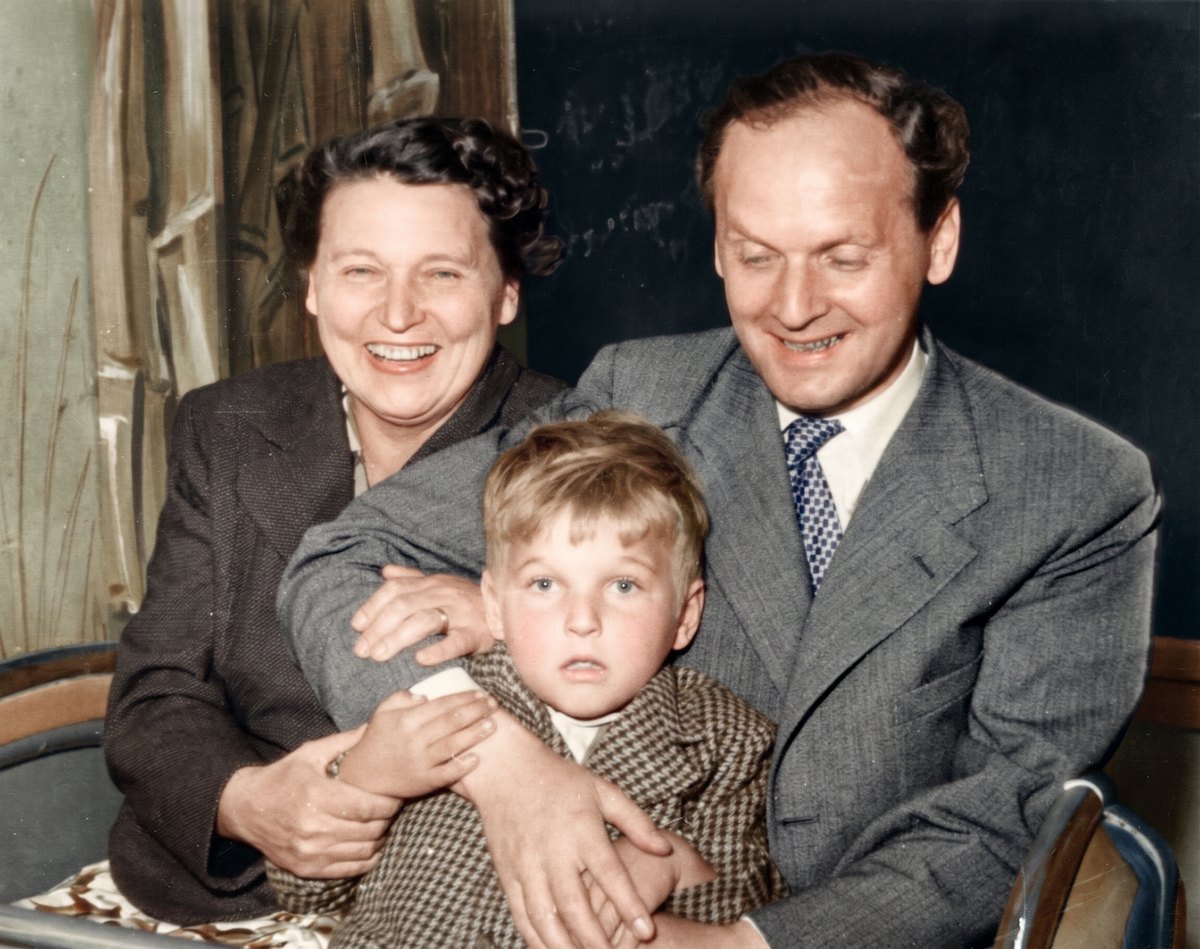
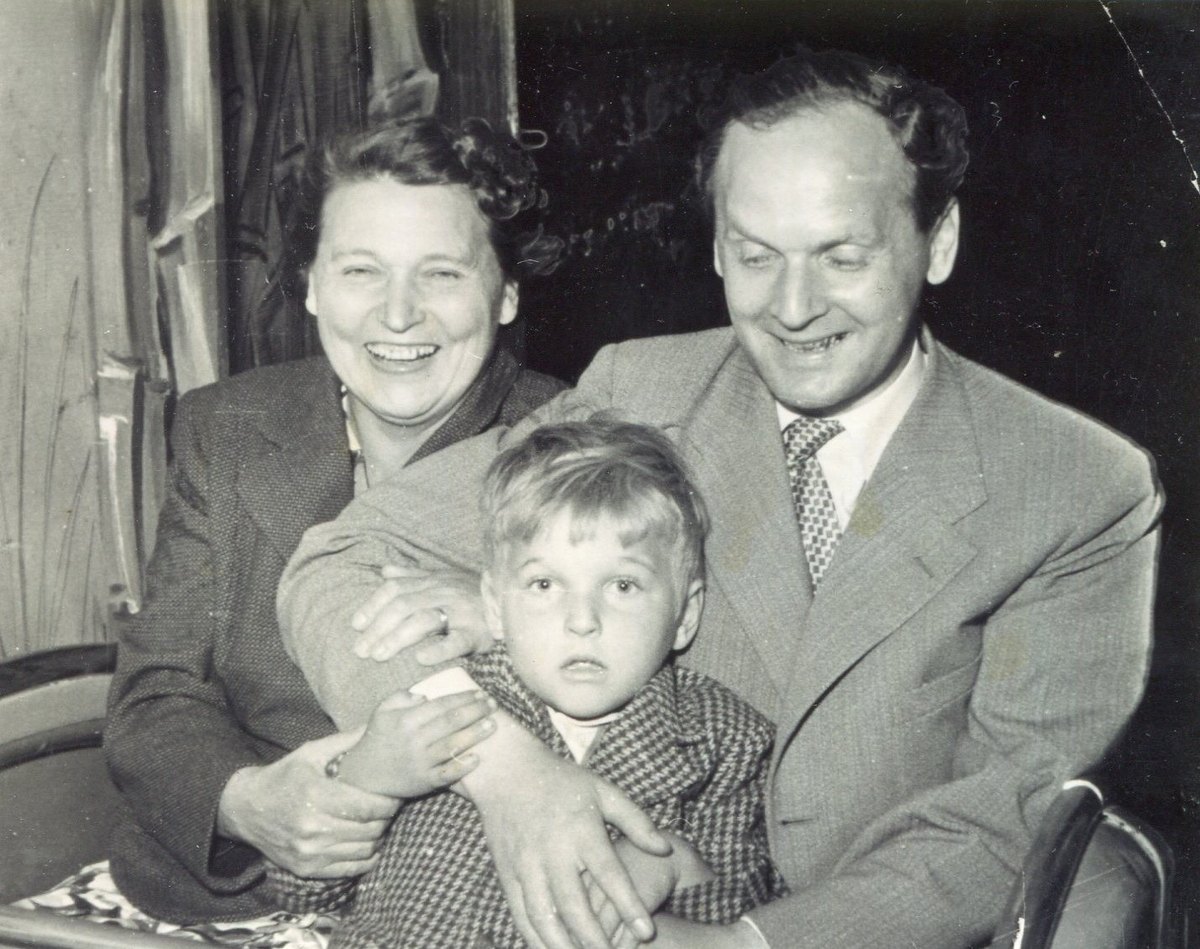 BeforeAfter
What is Colorize Image?
Colorize an image in one click. Upload a black and white or faded photo and the AI adds natural, believable colour: true-to-life skin tones, clothing, foliage, sky and materials, with balanced saturation and clean edges. Old family portraits, historical pictures, grayscale scans and monochrome shots all come back to life without hand-painting a single layer.
Colorization runs on Nano Banana 2.1 and Pro from Google or Seedream 5.0 Pro and Flash from ByteDance. The model only adds colour; the people, their faces, the lighting and every detail of the original stay the same. Output is 2K, or 4K on Nano Banana, and a slider lets you compare the grayscale original with the colorized photo.
What you can make with Colorize Image
Upload a black and white photo and generate. No palette to pick, no brushes, no prompt.
Skin, fabric, plants and sky get plausible colours instead of a flat sepia or neon tint.
Give grandparents' portraits and old family albums the colour they were taken in.
Only colour is added. Faces, expressions, text and composition are kept as in the original.
Colorized photos come out large enough to print and frame.
If the photo is also scratched or faded, AI Photo Restoration repairs and colorizes in one go.
Done in three steps
- 01Upload the photo
Drop in a black and white, sepia or faded colour photo. A scan at a decent resolution gives the richest result.
- 02Choose size and model
Pick 2K or 4K and a model: Seedream 5.0 Flash is the cheapest, Nano Banana Pro is slower but renders skin and fabric colour with more nuance.
- 03Compare and download
Drag the slider between the black and white original and the colour version, then download it or enhance it further.
- Scan prints at 600 dpi or more if you can; the colorizer works best with clear detail.
- If the photo is scratched, torn or very faded, use AI Photo Restoration with colorize switched on instead.
- Colours are inferred, not recovered. A uniform or a car may come out in a plausible colour that differs from the real one.
- Run it again for a different colour interpretation, or switch to Nano Banana Pro for subtler skin tones.
Built for these creators
Colorize old photos of parents and grandparents for albums, gifts and memorial slides.
Bring historical pictures to life for lessons, articles and videos.
Turn grayscale stock and archive images into colour assets for layouts.
Try colour versions of monochrome shots without manual grading.
Colorize Image FAQ
Try Colorize Image now
No prompt skills needed. Write a sentence, pick a model and generate; the first images are on us.