
AI background remover online
Cut out the subject on a plain background
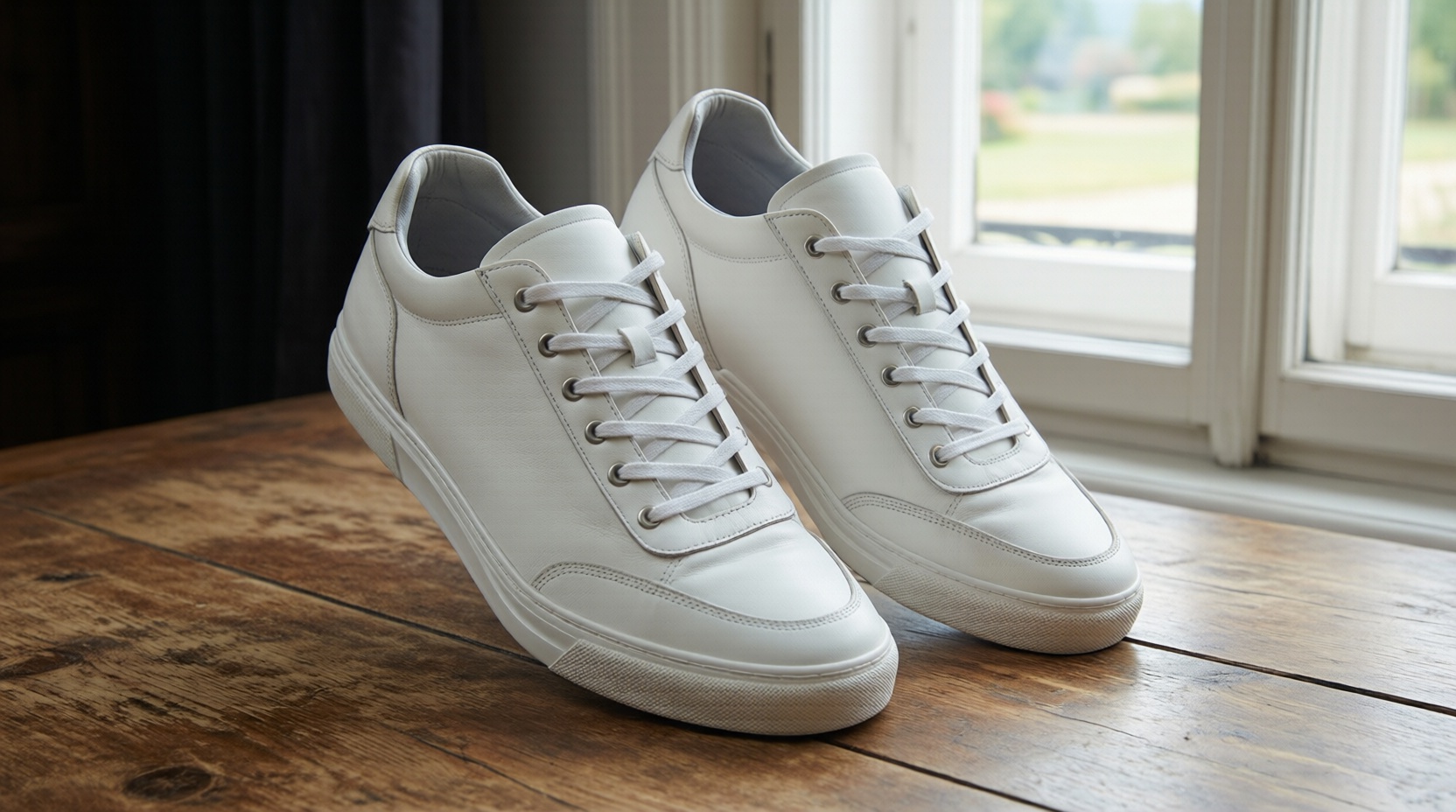
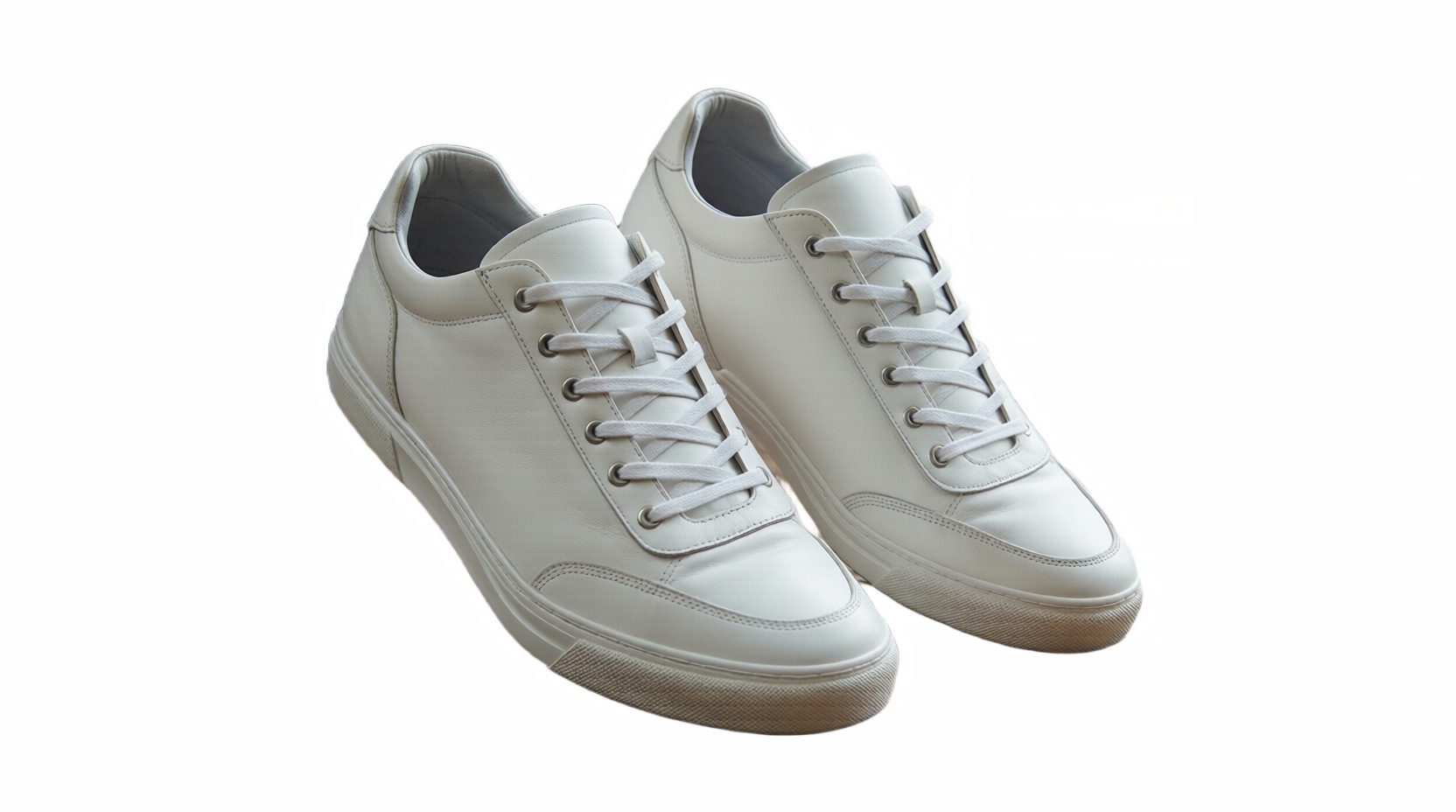
What is Background Remover?
Upload a photo, pick white, black or grey, and the background remover cuts out the subject and drops it onto a clean solid background in one click. There is no mask to paint and no prompt to write. Hair, fur, glass and thin straps are handled by the model rather than by a colour threshold, so edges stay soft where they should and crisp where they should.
The cutout runs on Nano Banana 2.1 and Nano Banana Pro from Google and on Seedream 5.0 Pro and Flash from ByteDance. The 2.1 and Flash versions are quick and inexpensive for product listings and profile pictures in bulk; the Pro versions are the choice when the subject has fine detail or you want the result at 2K or 4K.
What you can make with Background Remover
One click, no masking
Choose a background colour and generate. The model finds the subject itself; there is nothing to trace or brush.
A professional skincare shot of a product container wit
Clean edges on hard subjects
Hair, fur, lace, glasses and semi-transparent fabric are separated by the model, not by a colour key, so halos and jagged edges are rare.

product_photography_prompt : subject : Hands holding a shampoo bottle with lather
White, black or grey
White for marketplaces and ID photos, black for jewellery and electronics, grey for neutral catalogue shots that are easy to recolour.

Ultra-high-end photorealistic commercial skincare product
Pick speed or detail
Nano Banana 2.1 and Seedream Flash finish quickly at a low credit cost. Switch to the Pro versions for hair, fur and higher resolution.

A high-end editorial studio photograph of a (PRODUCT FORM
Only the background changes. Colours, shadows on the subject and product labels come through as they were in the original.
Send the result straight to Background Changer, Product Photo or Add Text without downloading and re-uploading.
Made by the community
Nano Banana images shared by creators. Open one to see the full prompt and recreate it.
Done in three steps
- 01Upload the photo
Drop in the image you want to cut out. A clear subject that is not cropped at the edges gives the cleanest result; busy backgrounds are fine because the model separates by content, not by colour.
- 02Pick the background colour
Choose white, black or grey from the option cards. Pick a model if the default does not suit: Nano Banana 2.1 or Seedream Flash for quick bulk work, the Pro versions for fine detail and larger output.
- 03Generate and download
Hit Generate. The cutout appears on the right in seconds; download it, run it again on another model to compare, or send it on to Background Changer to place the subject in a new scene.
- Choose a background colour that contrasts with the subject: dark products on white, pale products on grey or black.
- Leave some space around the subject when you shoot; a subject cropped by the frame is harder to separate.
- For hair, fur or glass, try Nano Banana Pro or Seedream 5.0 Pro and compare with the quicker 2.1 or Flash result.
- If you need the subject in a real scene rather than a flat colour, skip this step and use Background Changer directly.
Built for these creators

Pure white product shots that meet Amazon, eBay and Taobao listing rules, produced from phone photos one after another.

Staff portraits and ID pictures on a uniform white or grey background, shot anywhere and standardised in one step.

Quick cutouts for mockups, collages and layouts; the solid background keys out in one click in any design tool.

Isolate yourself or a product for thumbnails and stickers, then recolour or add text on the next page.
Background Remover FAQ

Try Background Remover now
No prompt skills needed. Write a sentence, pick a model and generate; the first images are on us.